
Nexigon Documentation
Nexigon connects devices to a central service for remote access, software delivery, configuration, and telemetry. These docs are for engineers setting up devices and operators managing a fleet.
Start Here
To connect a Linux device and open a remote connection, follow Getting Started. If you already have a Rugix Bakery project, use Getting Started with Rugix.
For production enrollment, follow Device Provisioning. It covers pairing a device, retaining its identity, and handing it over to a production image.
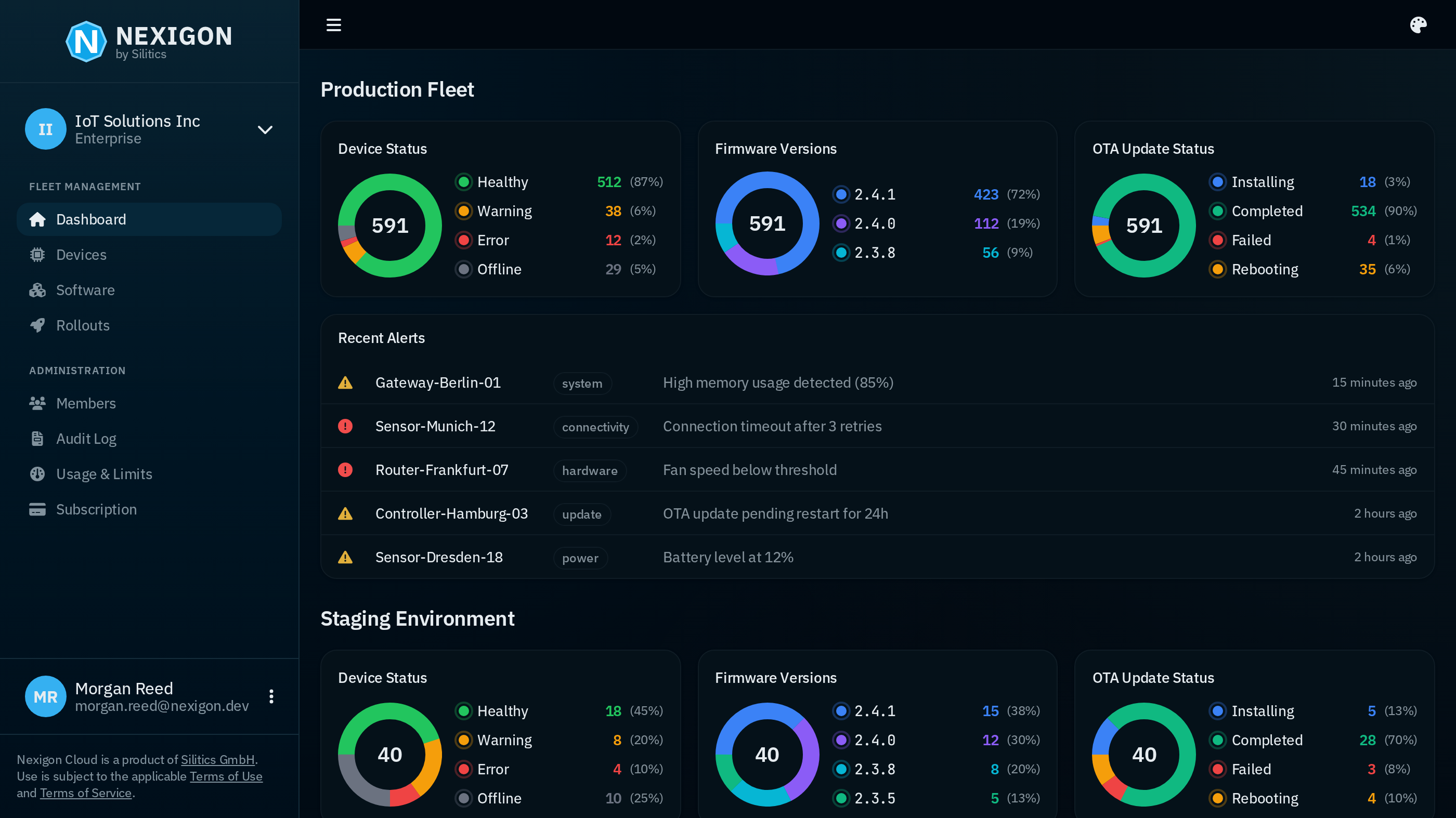
Understand Nexigon
Nexigon Hub is the central service that manages organizations, projects, devices, and software repositories. Nexigon Cloud is the hosted service; you can also run your own Nexigon Hub instance.
Two open-source tools connect to Nexigon Hub:
- Nexigon Agent runs on a device and provides remote access, device properties, events, and command execution.
- Nexigon CLI runs on your workstation or in automation to manage resources and forward device ports.
Read Organizations and Projects for the ownership model and Fleet Operations for staged workflows.
Manage Your Fleet
| Goal | Guide |
|---|---|
| Configure a device remotely | Device Configuration |
| Report device events | Device Telemetry |
| Roll out a change in stages | Run a Fleet Operation |
| Deploy a system image | Deploy System Updates |
| Deploy an application | Application Workloads |
| Build images with Nexigon Agent | Firmware Images |
For automation, use the Actions API, HTTP API reference, or Python SDK.